✓Setting up. Hosted online, with storage so old studies are kept. One shared participant link instead of one per person. The code on GitHub, so I can work from the cloud or my PC, not only my Mac.
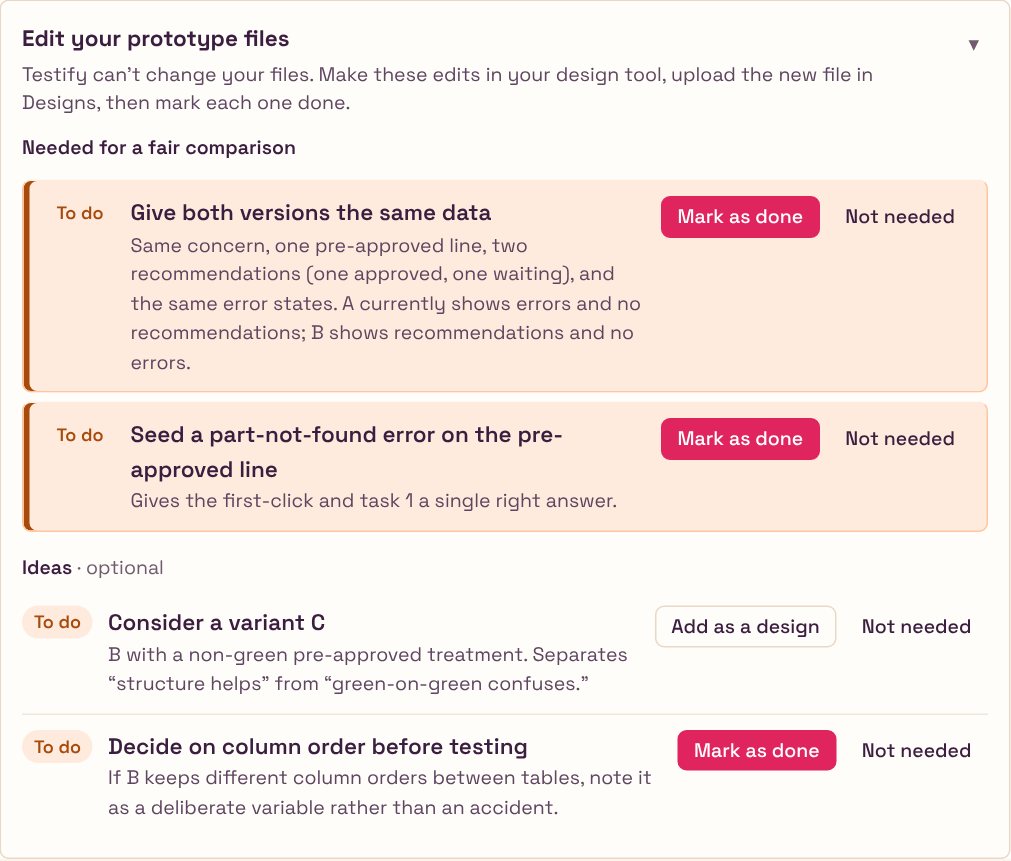
✓Fair prototypes. A current, a proposed and a neutral pre-approved version of the Parts prototype, all with the same realistic data and no developer-only alerts, with the differences made easier to see.
✓Simpler for a junior designer. An audit of the whole tool for someone new to research. Plain words, one question per screen, and questions that didn't help taken out. Targets made optional, and called targets, not goals. The tagging screen gone, and screenshots allowed when there is no prototype.
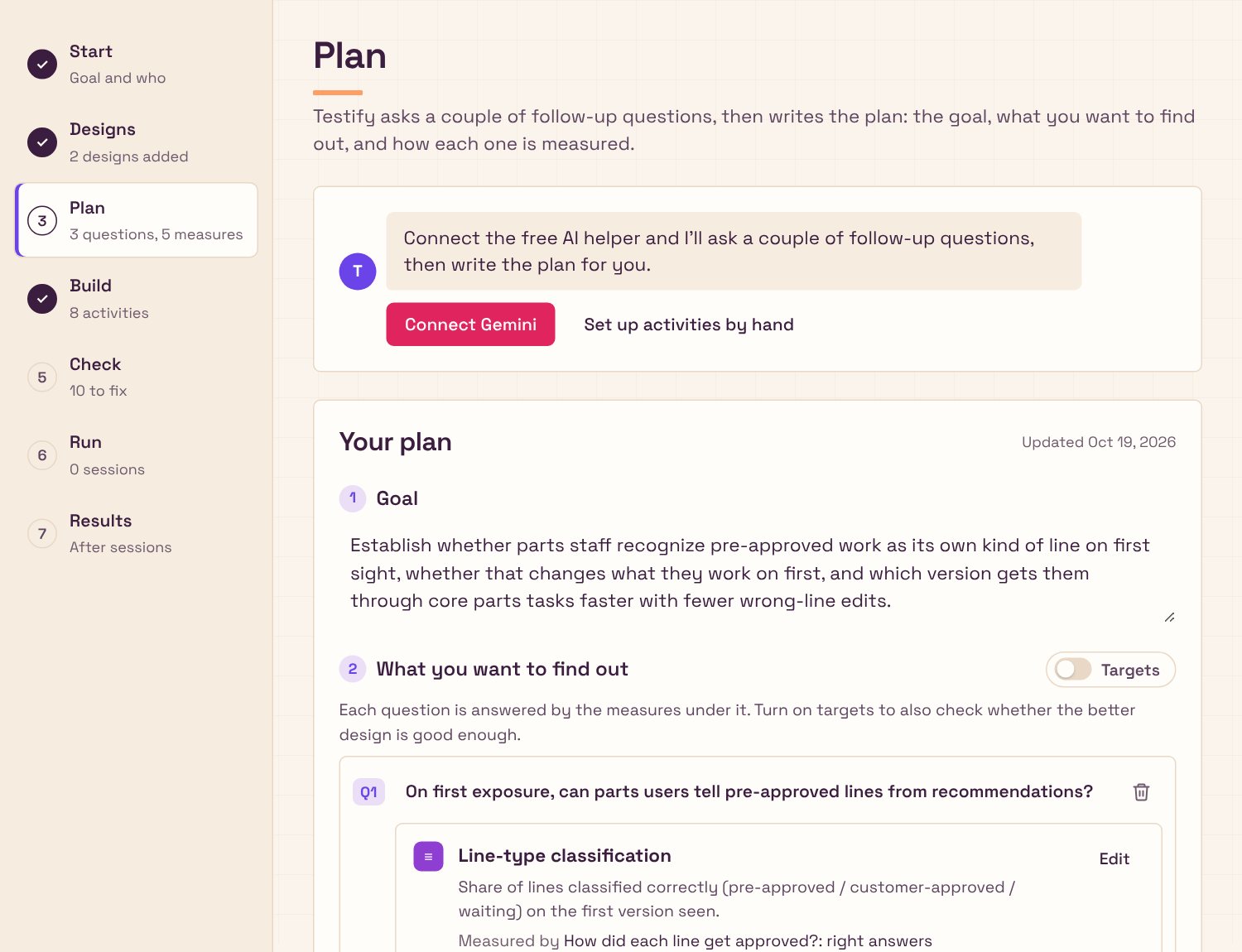
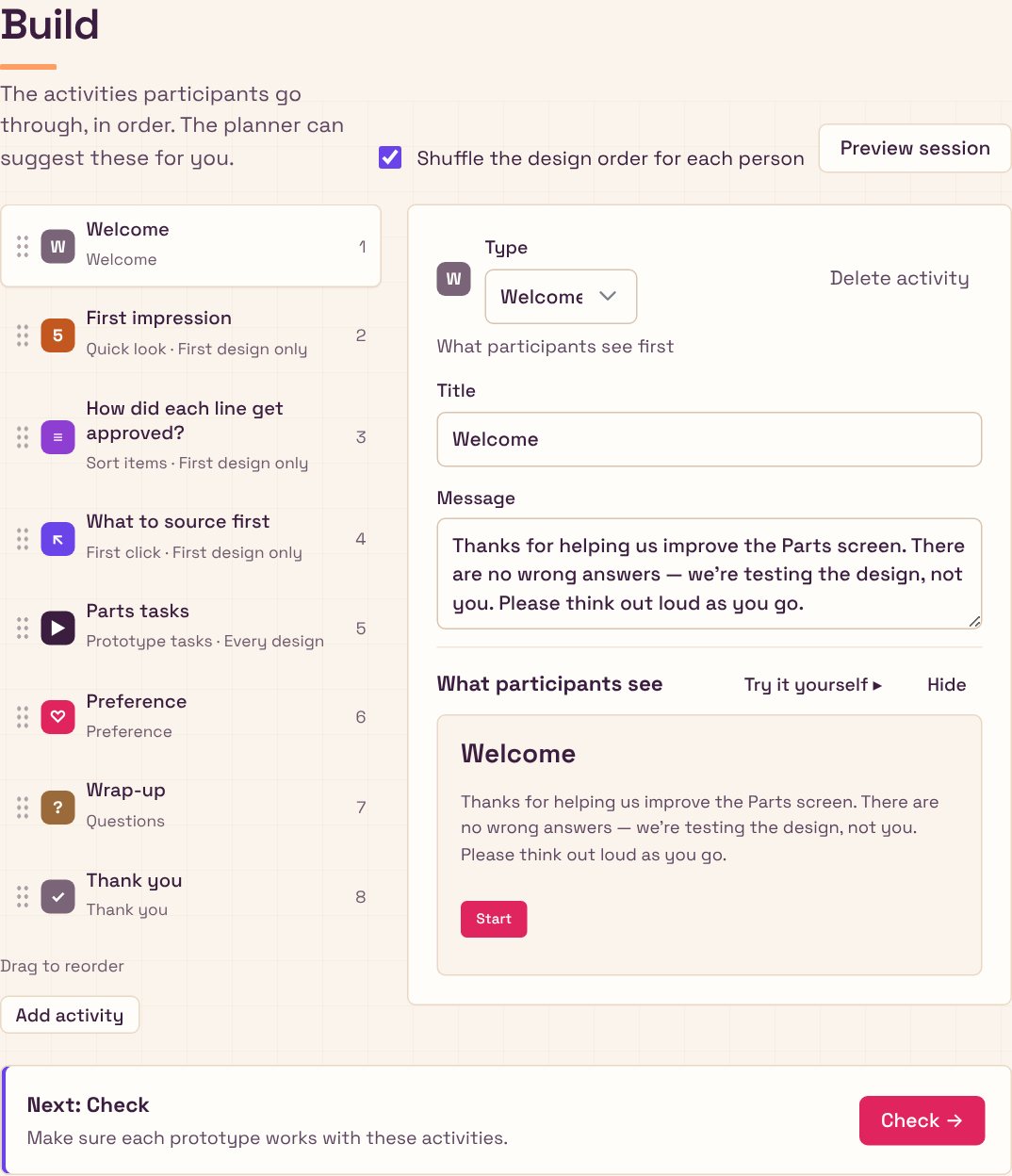
✓The flow. It starts with a chat: the study's name, what you want to learn, and whether you have designs. Prototypes come after the questions. A viewer flips between versions and takes screenshots, a Check step confirms PostHog is recording, and Next buttons say where they go.
✓Look and voice. A branding deck to find the voice, then my own mix of its directions: sharpened type, warmth and cream, and colours with one job each: pink only for the main action, violet for links and highlights, amber for what needs attention. Folds for long sections, and my gestalt rules: related things grouped, labels left, actions right.
✓Feedback and control. A Save button with a saved state, confirmation and Undo when marking something done, and Remove that looks like remove.
✓Participants. Answers required by default, with Optional per question. A Back button, zoom on pictures, and questions that say which version they're about. Tasks that finish only on the right action or "I'm stuck", a first click that ignores stray clicks, and a warning when an ad blocker stops the study. Confidence and ease questions stay off unless asked for, and the task card lights up when the next task starts, because a prototype that reloads looking the same reads as stuck.
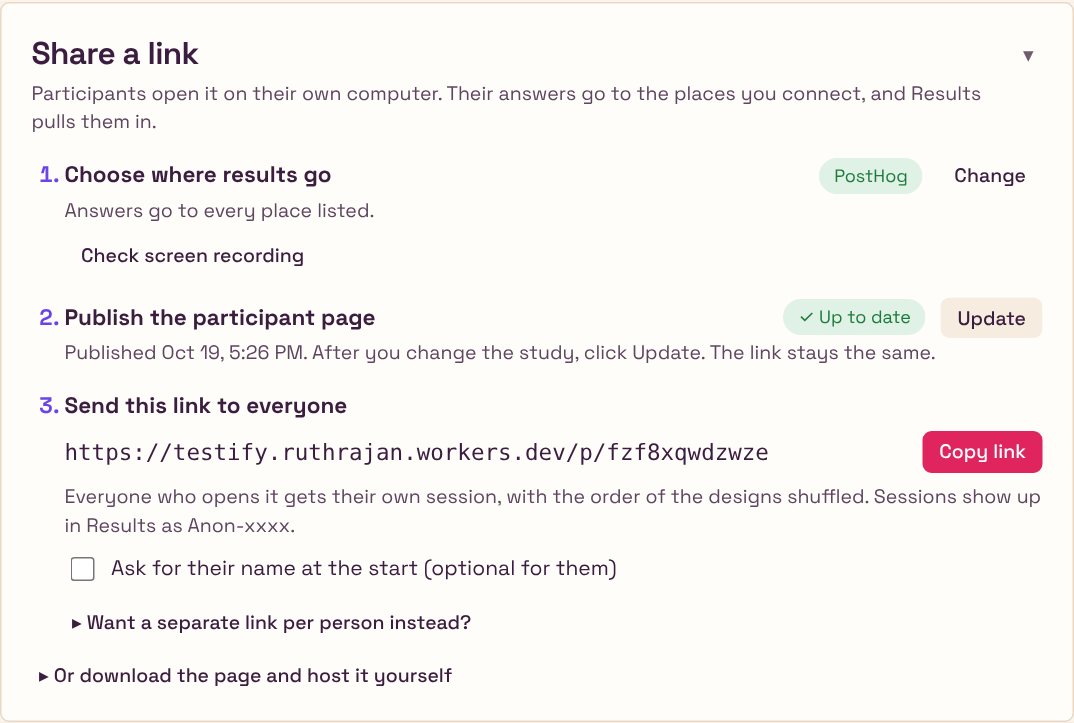
✓Publishing. One Publish button gives a link participants can open, and Update republishes after a change with the same link. No more downloading a file and uploading it to a host.
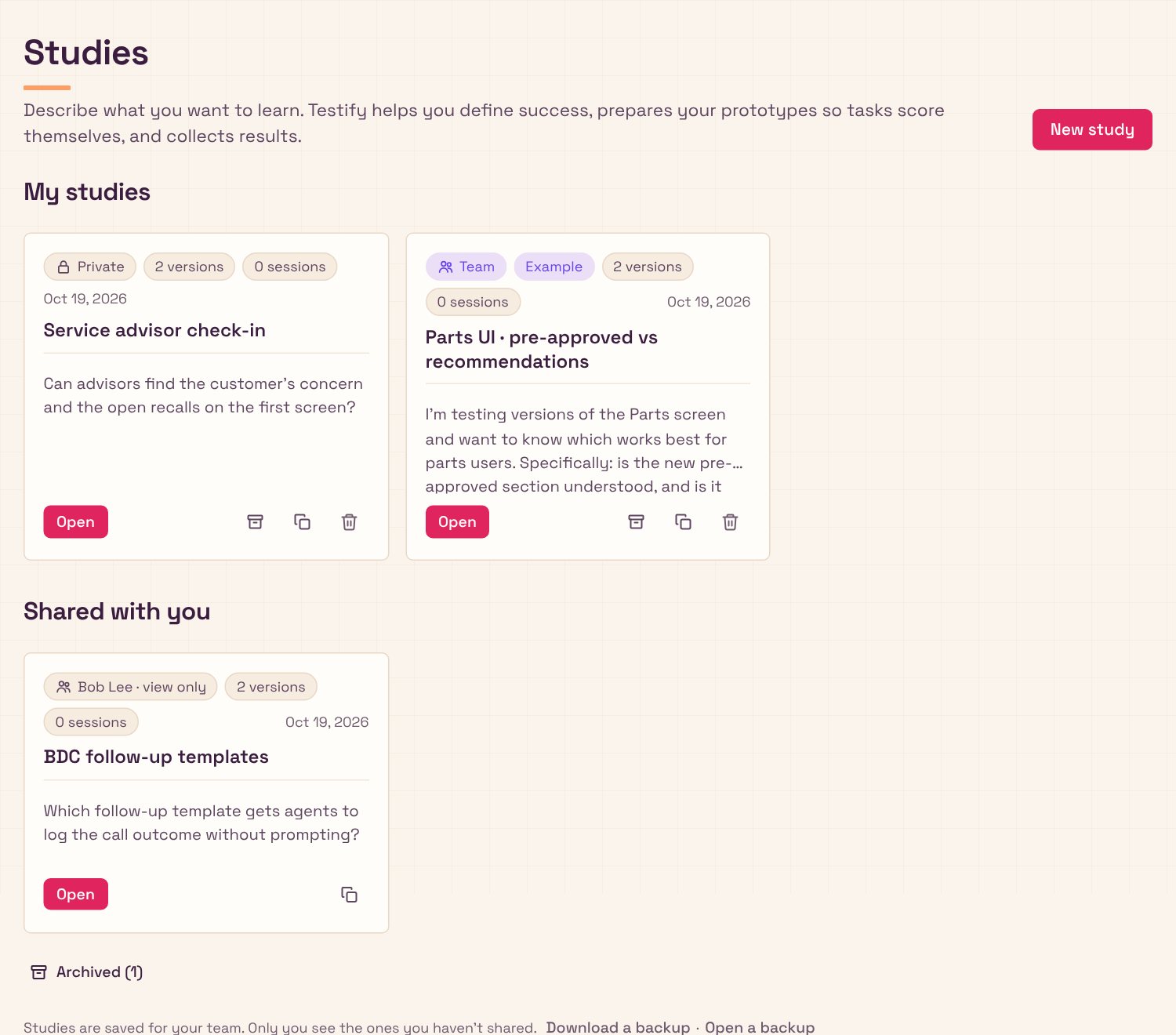
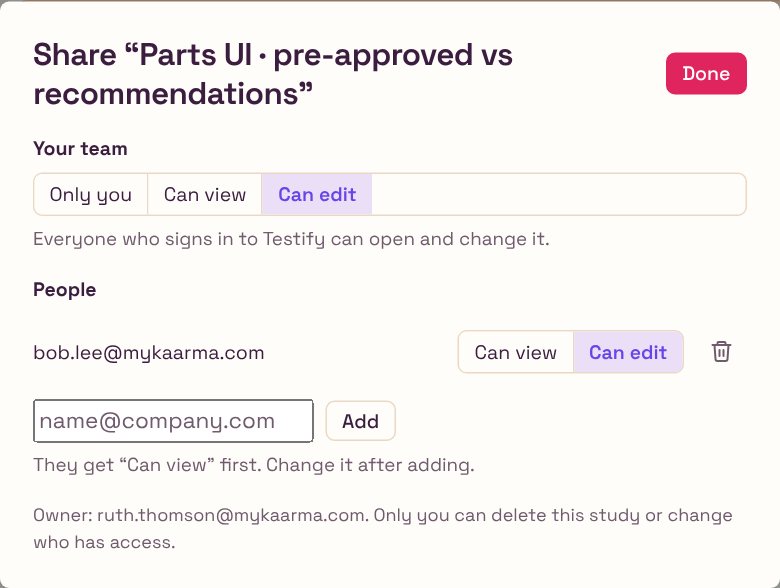
✓Team sign-in. Coworkers sign in with their work email and get the team's connections automatically: no setup codes, no keys to paste. Studies stay private until shared, and each one can go to the whole team or to named people, as view or edit; viewers can duplicate to make their own.
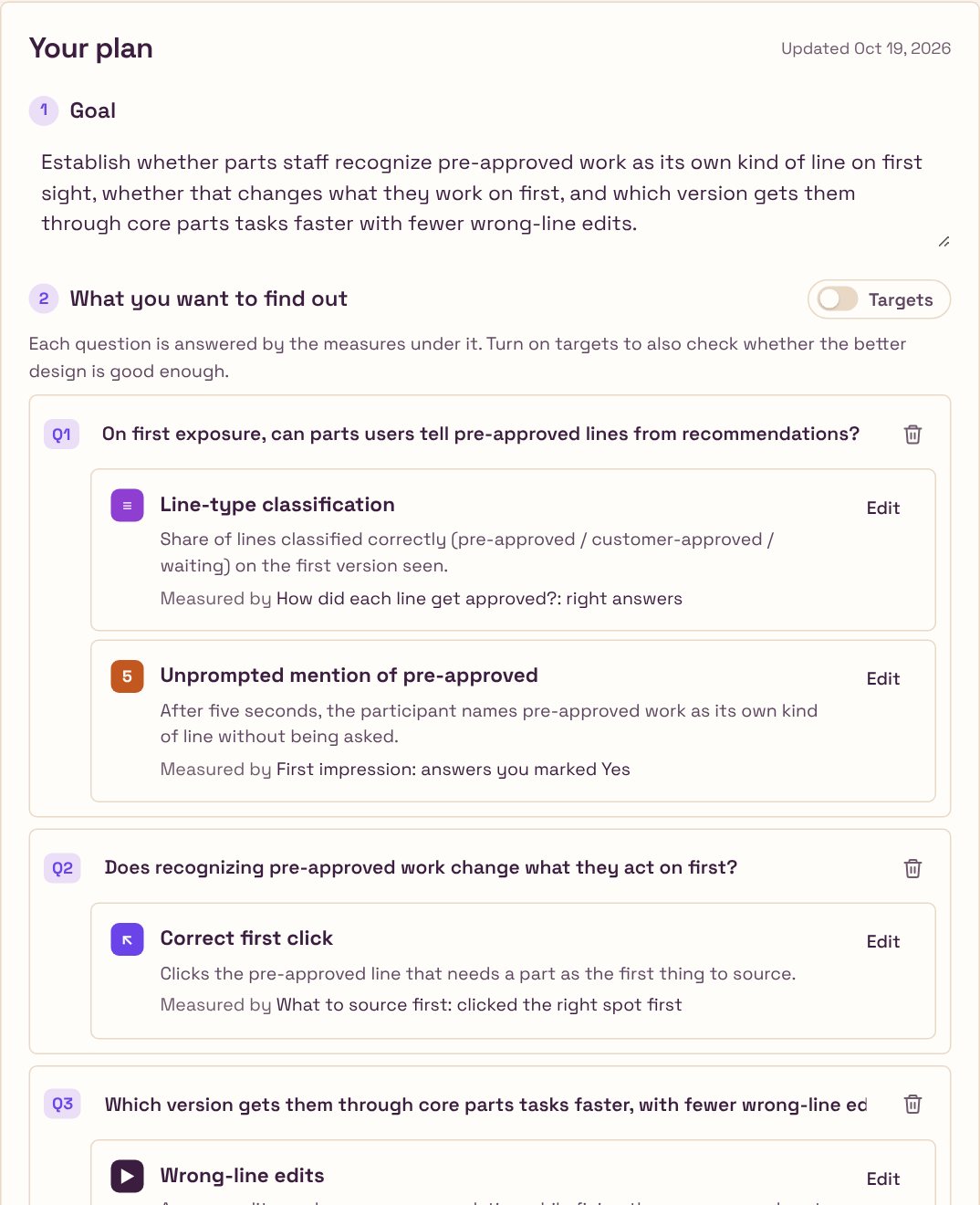
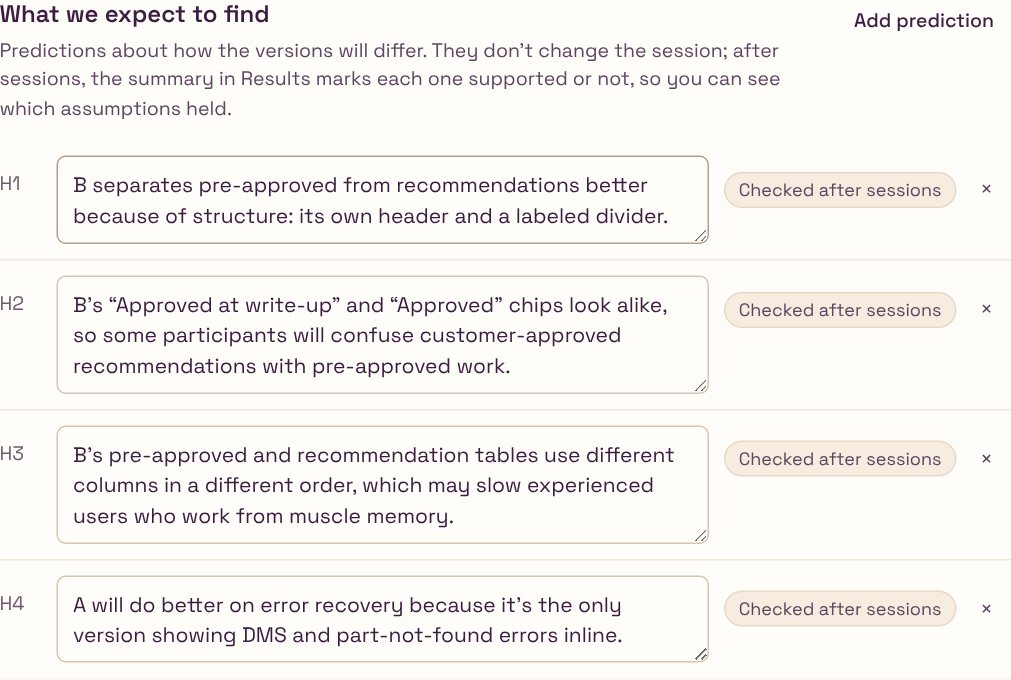
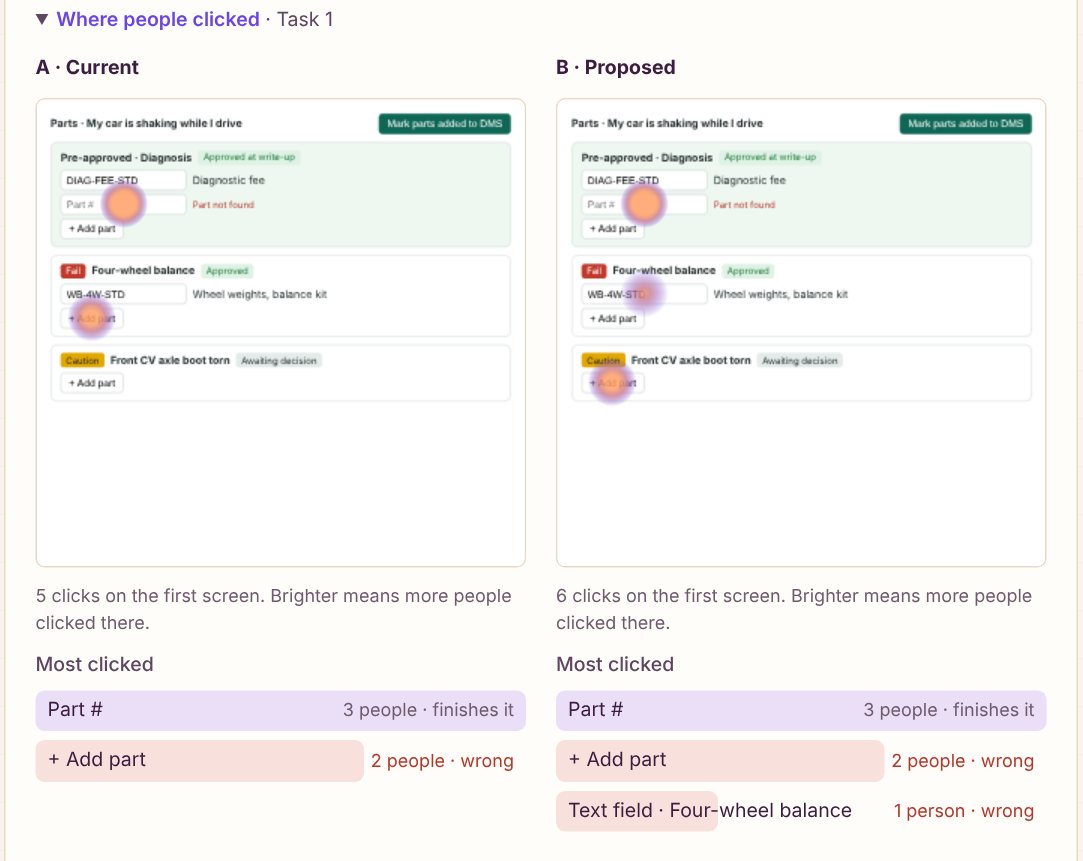
✓Results that say what to do. A heatmap over the real prototype for each task, the most-clicked controls with wrong ones marked, and the common click paths. The AI summary reads clicks and answers together and comes back with what to change first, themes with word-for-word quotes, and what to look into next.
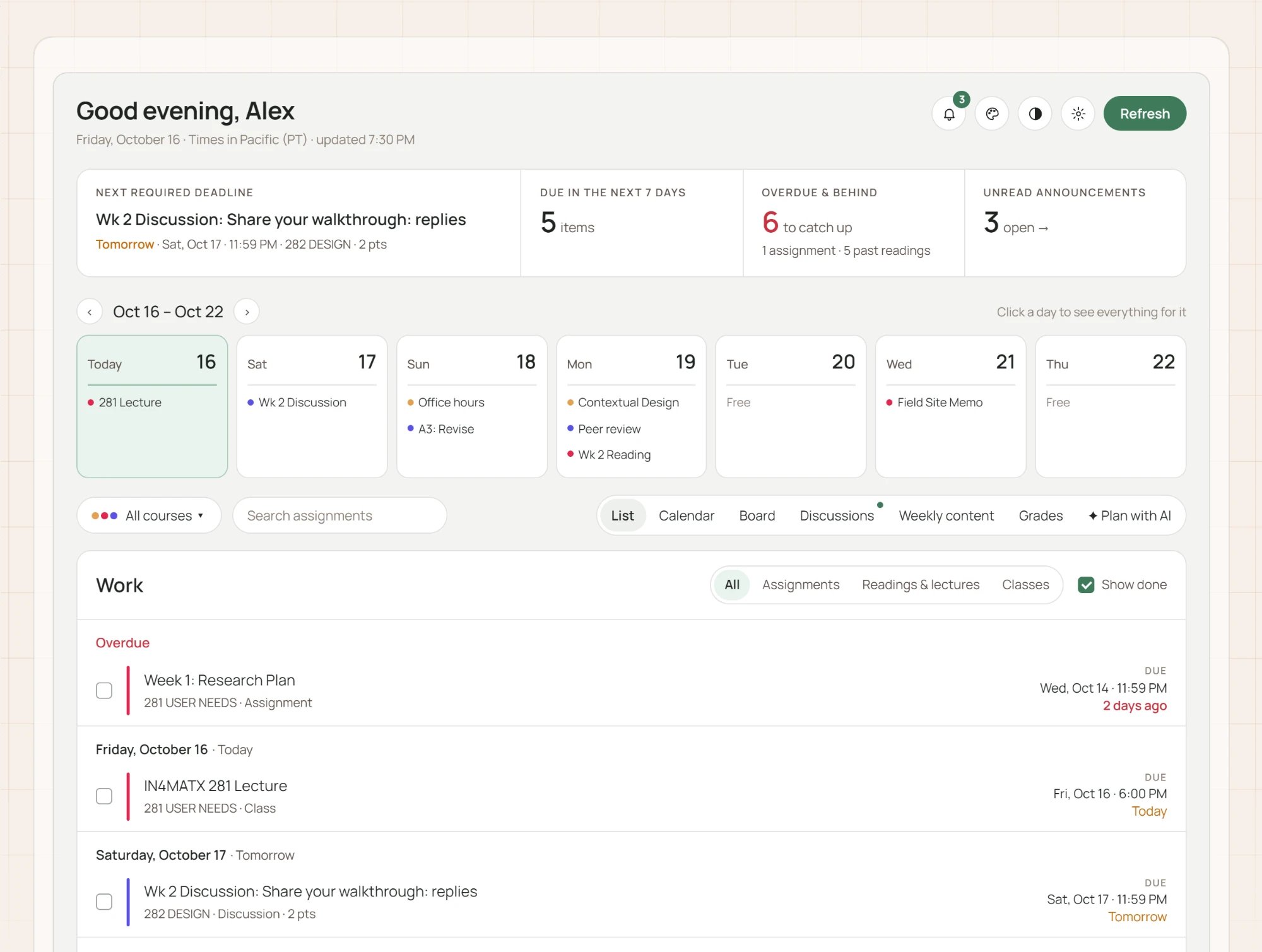
Warm Studio: Space Grotesk throughout, a cream page with a faint graph-paper grid, plum ink, crisp 6px corners and almost no shadow. This page wears it too.
PinkMain actions only. As a highlight it read as an error. #E0245E
VioletLinks, selection, focus and highlights. #6A44E8
LilacSmall soft surfaces: chat replies, selected tabs. #EADFF7
AmberNeeds attention, never an error. #A64B0C
ApricotSmall decoration, like the heading underline. #FF9E64
Cream and plumThe page and the ink. #FBF4EC · #3B1D3F